CVE-2026-15273 vulnerability and BitFire protection

How BitFire Blocks CVE-2026-15273: Automatic.css Stored XSS

WordPress vulnerability research

BitFire's WAF inspects request URLs and blocks the unauthenticated stored XSS payload CVE-2026-15273 injects through REQUEST_URI in Automatic.css 4.0.0.

Unauthenticated Medium severity (CVSS 6.4) Script execution in admin sessions Stored Cross-Site Scripting
BitFire · Vulnerability advisoryResearch published
AdvisoryCVE-2026-15273
ComponentAutomatic.css
Executive summary

What WordPress administrators need to know

Automatic.css 4.0.0 for WordPress is vulnerable to stored cross-site scripting through the attacker-controlled REQUEST_URI. Because the plugin sanitizes this input and escapes its output insufficiently, an unauthenticated attacker can plant an arbitrary web script where the plugin stores it, and the script executes the moment an administrator opens the Activity Log settings page. BitFire's Web Application Firewall inspects request URLs before WordPress processes them and blocks the malicious script payload this exploit requires, stopping the injection before Automatic.css can store it. Update to Automatic.css 4.0.1 immediately, and run BitFire Threat Hunter if an affected version was ever live on your site.

At a glance

Key facts

  • Stored XSS via the attacker-controlled REQUEST_URI affects every deployment of Automatic.css 4.0.0
  • Root cause disclosed by the CVE entry: insufficient input sanitization and output escaping
  • No authentication is required to plant the malicious web script
  • Payloads execute when an administrator accesses the plugin's Activity Log settings page
  • Fixed in Automatic.css 4.0.1
  • BitFire FREE WAF inspects request URLs and blocks the cross-site scripting payload before the plugin stores it
01
Vulnerability overview

Understand the exposure

The affected component, attack path, and practical risk for WordPress websites.

Affected componentAutomatic.css
Potential reachNot publicly reported installations
Attack techniquestored cross-site scripting
Published2026-09-26
BitFire's WAF inspects every request URL before WordPress runs, blocking the malicious script payload CVE-2026-15273 depends on before Automatic.css 4.0.0 can ever store it.
02
Technical analysis

How the vulnerability works

Research details, affected versions, exploitation behavior, and remediation guidance.

What CVE-2026-15273 Establishes

The disclosure is precise about the mechanics. In all versions of Automatic.css 4.0.0, the attacker-controlled REQUEST_URI is handled with insufficient input sanitization and output escaping, and the plugin stores the resulting value. No authentication is required — any visitor who sends a crafted request can plant an arbitrary web script. That script executes whenever an administrator accesses the plugin's Activity Log settings page, which places attacker-chosen code inside a privileged browser session. Automatic.css 4.0.1 is the release the vendor identifies as fixed. No code review is needed to understand the exposure: any site running 4.0.0 persists unsanitized URL input and renders it to administrators.

BitFire WAF Blocks the Poisoned Request at the Door

This attack begins with a single crafted request URL, and that is exactly where BitFire stops it. The BitFire FREE Web Application Firewall evaluates what a request contains before WordPress or any plugin processes it, inspecting URLs and query strings for cross-site scripting payloads. A request whose URI carries injected script markup is detected and blocked outright, so the poisoned REQUEST_URI never reaches Automatic.css 4.0.0's storage path and never reaches an administrator's browser. Because the WAF targets payload content rather than a CVE-specific signature, this protection applies to the exploit chain from the first request — even before you update the plugin — and it keeps guarding against similar script-injection attempts across your entire site.

If Your Site Was Affected, Investigate for Persistence.

Update to Automatic.css 4.0.1 immediately — it is the release the vendor identifies as fixed. Patching closes the vulnerable path, but it cannot undo exploitation that already happened. If an attacker planted a script while your site ran 4.0.0, that code executed with an administrator's privileges, precisely the level of access attackers use to establish persistence. Run BitFire Threat Hunter, a thorough post-compromise investigation that checks for backdoor administrator accounts, hidden database triggers, WordPress and server cron persistence, suspicious database content, long-running PHP processes, and droppers that can restore malware or reinfect the site. Remove everything it finds, rotate administrator credentials, and remember that a site with no visible malicious file is not automatically a clean site.

Conclusion: Patch Now, Then Defend Every Request

CVE-2026-15273 turns an ordinary request URI into a delivery channel for scripts that run in your administrators' browsers. The response is layered: enable BitFire FREE's Web Application Firewall so malicious script payloads are blocked at the request line before any plugin can store them, update Automatic.css to 4.0.1 today, and run BitFire Threat Hunter on any site that ever ran an affected version. Do all three — prevention, patching, and investigation — and a poisoned URL dies at your front door instead of inside your admin panel.


03
Zero-day protection

Protection from the first exploit request

BitFire protects WordPress servers on day zero—before a vulnerability is publicly known and before other vendors have time to develop signatures or patches.

01 · VerifyStop unknown clients

Bot controls and browser verification stop untrusted automated clients before previously unknown exploit code reaches WordPress.

02 · DetectBlock malicious behavior

General WAF protections identify dangerous request behavior and hostile payloads without waiting for a vulnerability-specific signature.

03 · PreventContain attacks at runtime

RASP follows execution inside PHP and prevents unauthorized changes to protected files, accounts, and database content.

BitFire · WordPress protectionZero-day ready
BitFire zero-day WordPress vulnerability protection
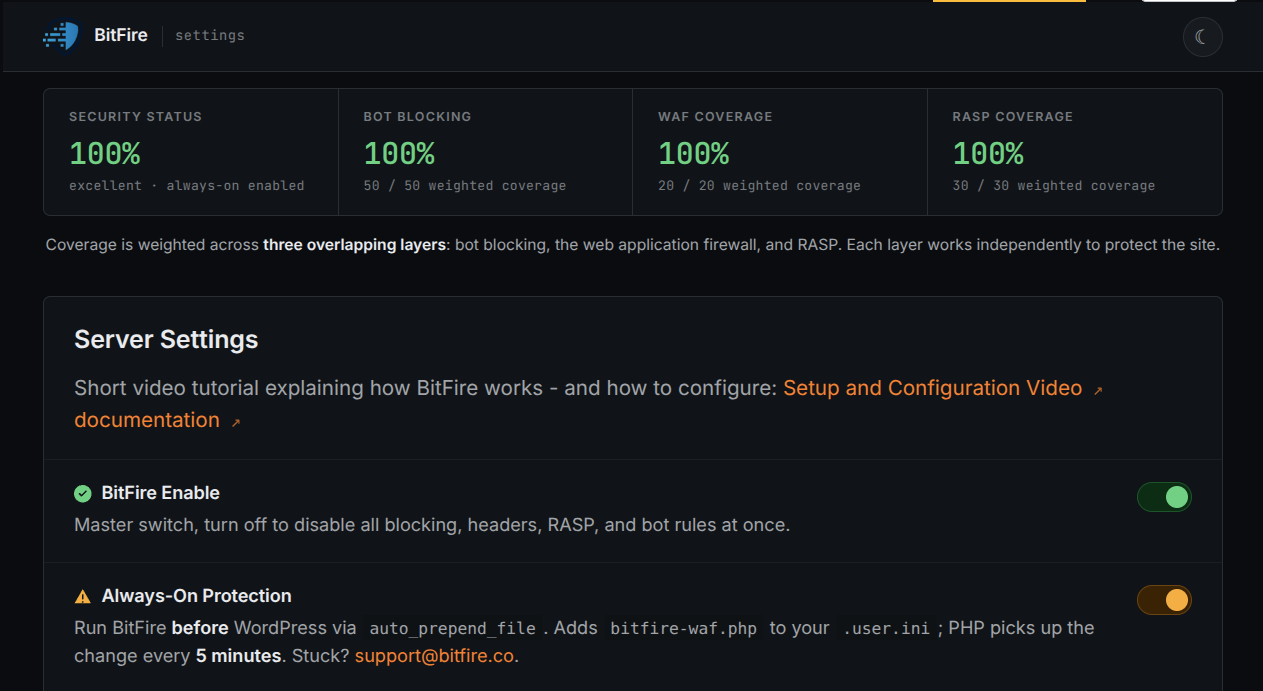
BitFire combines verified-client controls, behavior-based WAF detection, and runtime RASP enforcement to protect WordPress before an exploit has a name, CVE, signature, or vendor patch.
About the author

Cory Marsh

Cory has more than 20 years of internet security experience and is a lead developer on the BitFire project.

Read BitFire security research →
Protect your WordPress website

Add protection before the next exploit arrives.

BitFire combines bot controls, request inspection, malware detection, and runtime protection in one WordPress security platform.

Protect my site free →